
Digital signage software for cafés, shops, hotels, offices, museums, exhibitions and venues

Run every screen in your business from one place.

Design what plays, schedule it by the hour and change it from anywhere. Pixelade runs one screen by the till or hundreds across many sites, and keeps playing when the connection drops.

Retail window A weekend campaign that switches back on its own on Monday morning.
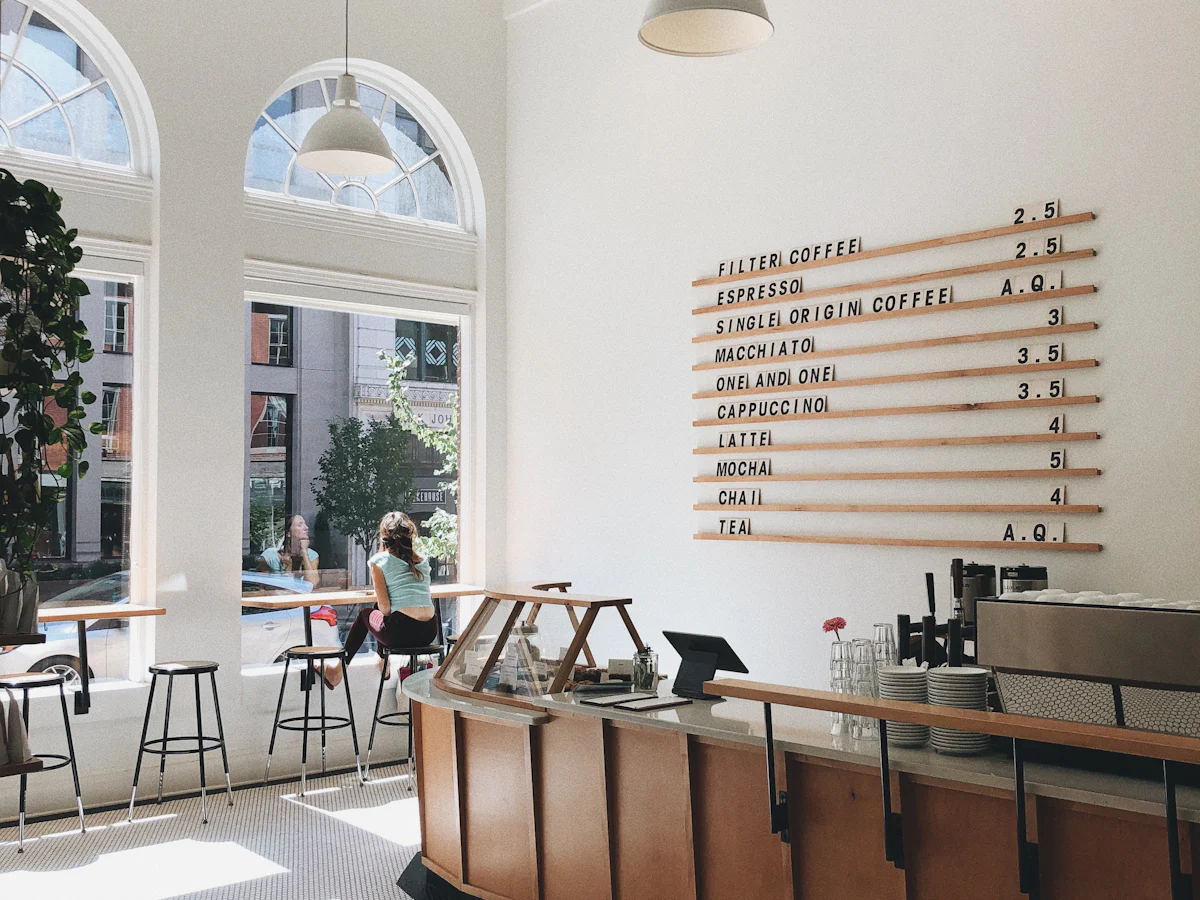
Café Menu board above the counter. Prices come from the café’s spreadsheet, and the breakfast menu turns into lunch at noon.
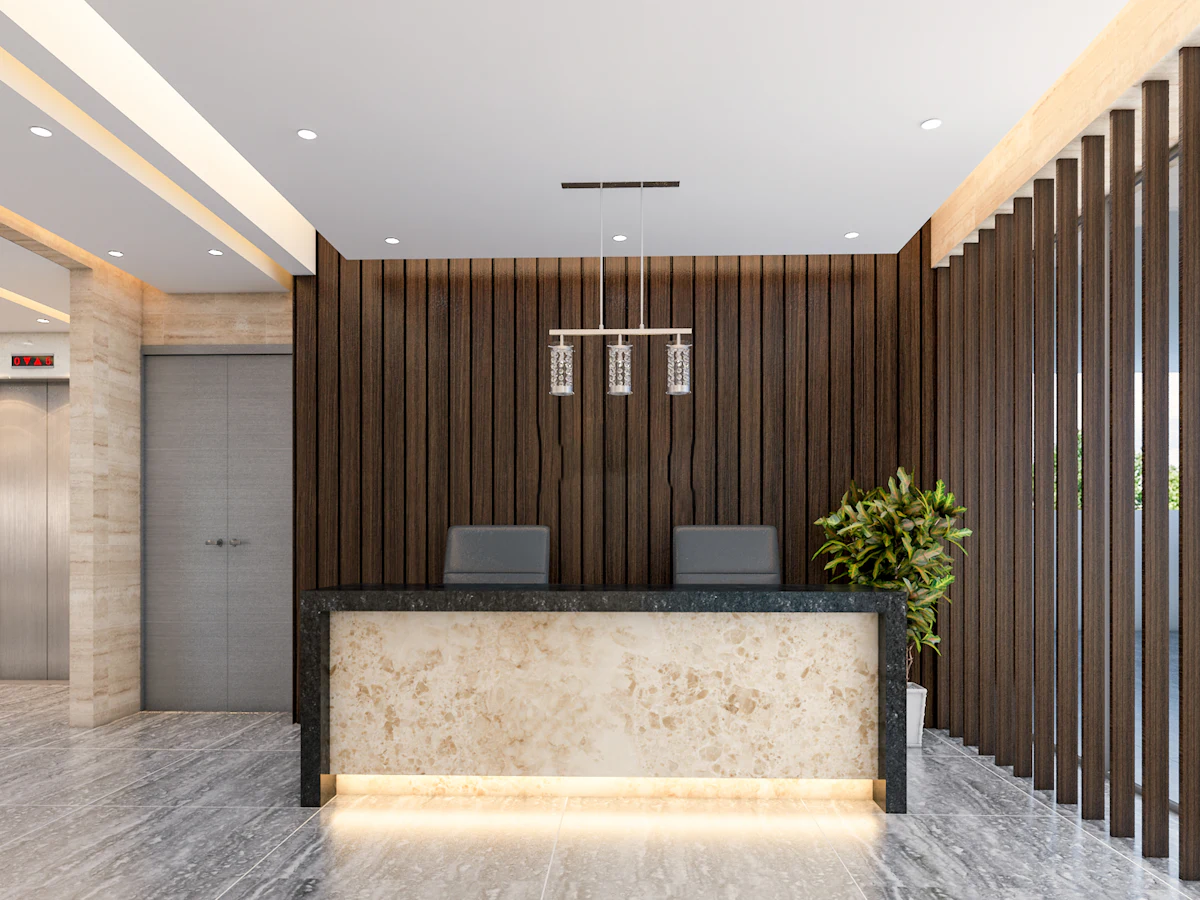
Office lobby Welcome screen in reception, with meeting-room availability read live from the room calendars.
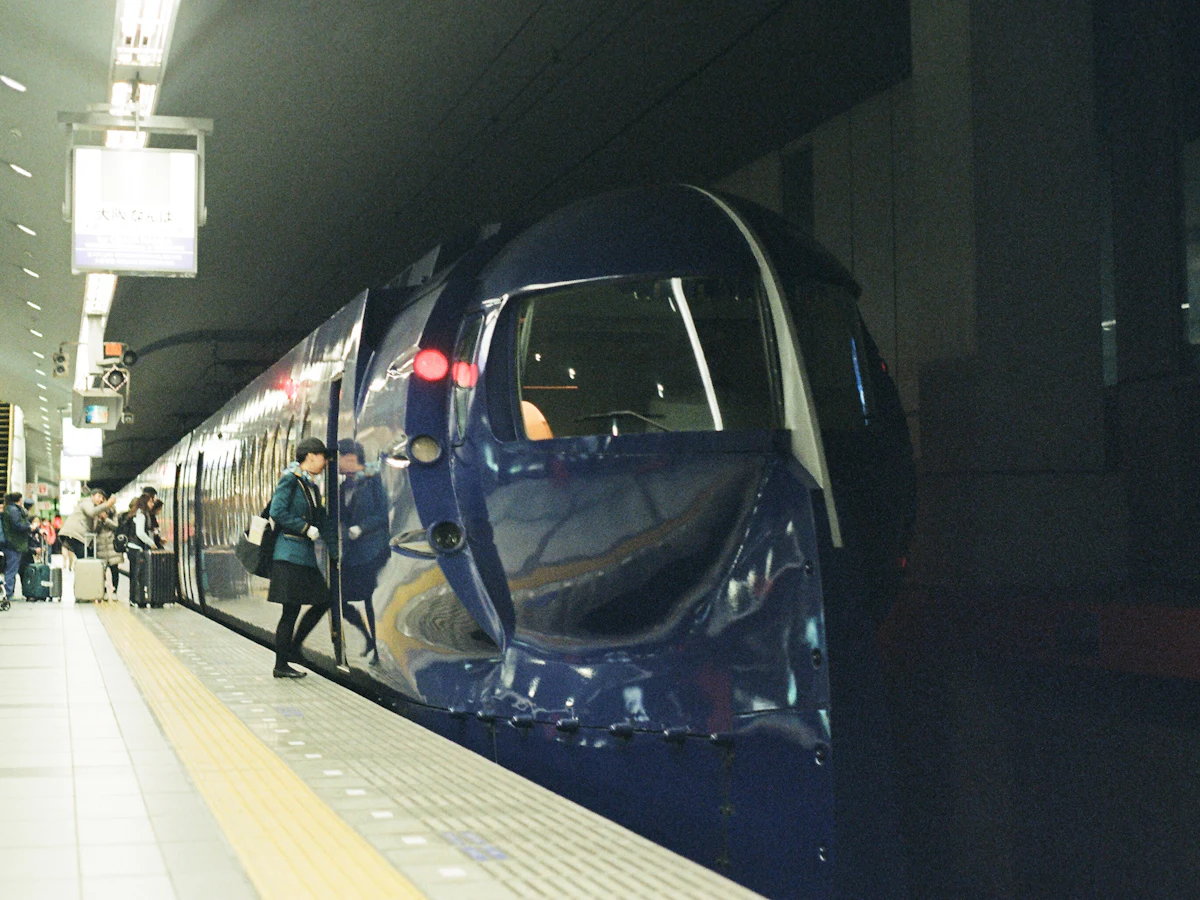
Campus and transit Departures at the main entrance, pulled live from the transport operator’s feed.

Simple to run, from one screen to hundreds.

Make it, schedule it, let it run. The same tools work for one screen or a network across many locations.
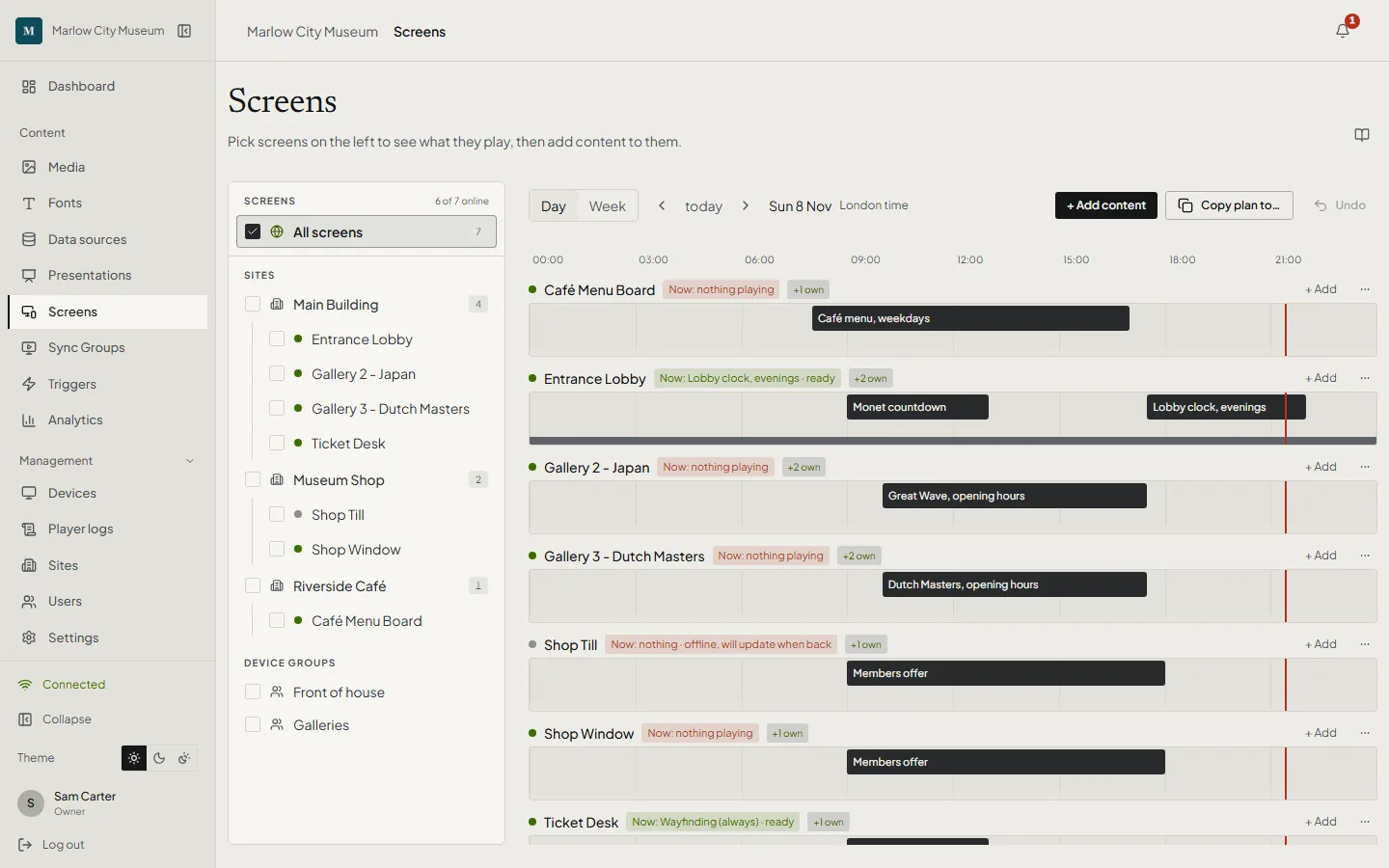
Pixelade Studio: the Screens page, showing what every screen plays through the day
Templates you can make your own
38 ready-made templates and widgets: menus, price lists, live numbers, departures, weather, clocks and social feeds. Change the words, colours and pictures to fit your brand.
Scheduled by the hour
Breakfast until 11:30, lunch from noon, events at the weekend. Set it up once and your screens change on their own.
Changed from anywhere
Update a price or swap a poster from your laptop and every screen picks it up. Your team can work on the same content together.
Keeps playing offline
Every player keeps its own copy of what it needs, so a dropped connection never leaves you with a black screen.
Every screen in one view
Group screens by site, see which ones are online and get told when one needs attention.
Almost any content
Video, images, PDFs, web pages, live video, weather, news, QR codes, polls and maps, at resolutions up to 8K.
Video walls
Join several displays into one picture. Every tile plays in step, so the wall reads as a single screen.
Displays on a timetable
Screens switch on before opening and off after closing, following your schedule. Nobody has to find the remote.
Trash
Restore deleted files, playlists, schedules and folders for up to 30 days.

When something happens, the right screen responds.

Connect a button, a sensor, a badge reader or a data feed. Pixelade changes what is on screen the moment the signal arrives, without anyone pressing play.
A bright café with two menu screens on the wall behind the counter, showing the lunch menu and a lunch deal

In the café

Staff press a button behind the counter as the lunch rush starts. The menu board switches to the short lunch menu.
Clothing on hanging rails in a small shop, with a screen on the wall showing a jacket’s fabric, fit and colours

In the shop

A customer lifts a jacket off the display. The screen beside the rail shows its fabric, fit and other colours.
An office reception desk with a screen on the panelled wall welcoming a visitor by name and pointing to their meeting room

At reception

A visitor scans their badge at the front desk. The lobby screen welcomes them by name and shows the way to their meeting.
Passengers boarding a train at an underground platform, under a hanging screen showing a five-minute delay

On the platform

A train is running five minutes late. The platform screens update the times and tell passengers where to go.

The editor

Lay out a screen like a page, then put it on the schedule.

Slides, layers and properties in your browser. Start from a template or a widget, link a table to a spreadsheet, and preview at the real screen size before anything goes live.

Built for teams
Several people can edit the same presentation, leave comments and go back to an earlier version.
Templates with locked areas
Head office sets the layout. Each location fills in its own prices, pictures and opening hours.
Preview before publishing
See exactly what a screen will show, at its own resolution, before you publish.

The technical details, in one place.

Players available for Windows, Android, BrightSign.
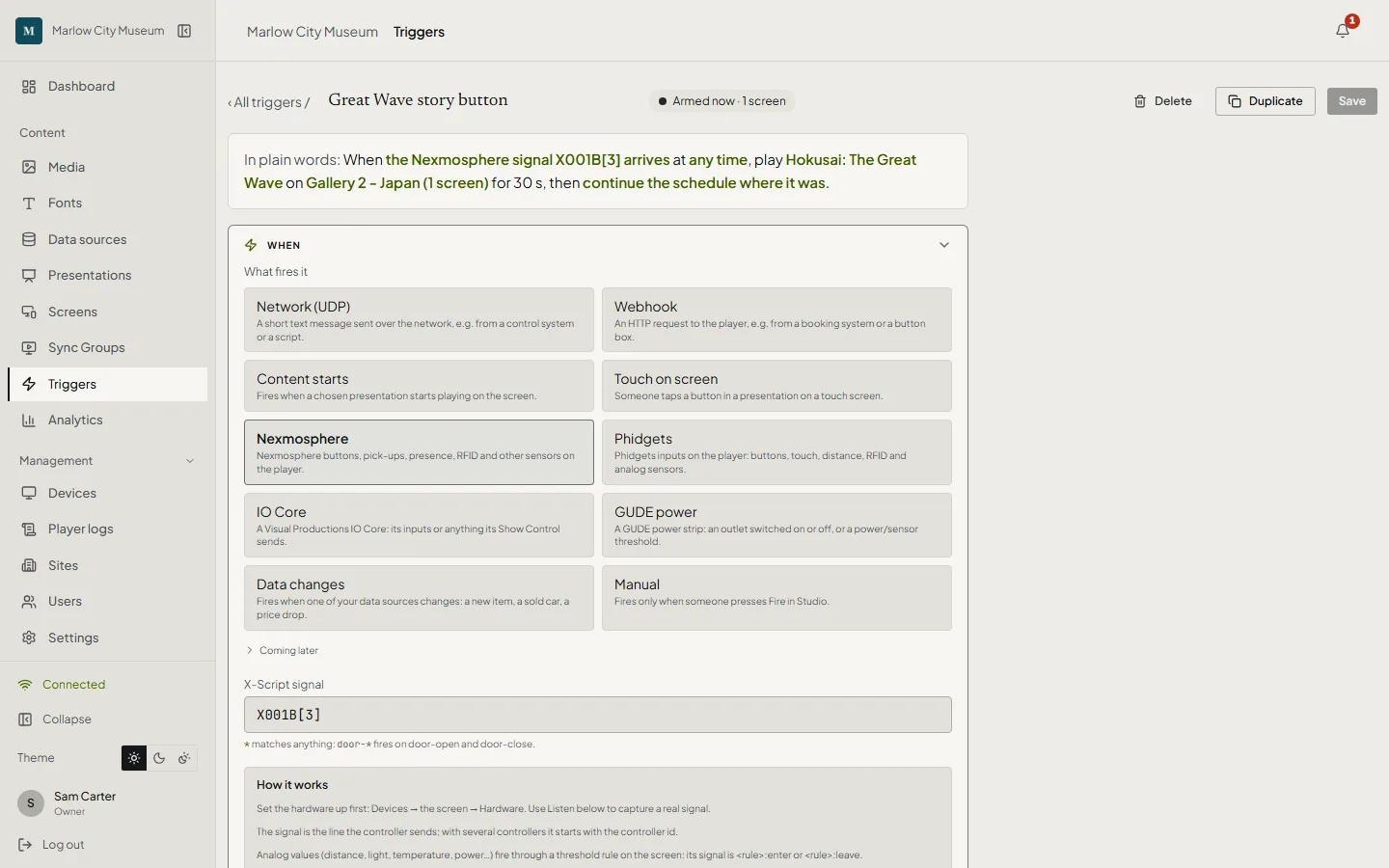
Pixelade Studio: the trigger editor, with a plain-words summary and the signals a screen can react to
Players
Native players for Windows, Android and BrightSign. Provisioned by QR code, updated remotely, with one-click rollback.
APIs and triggers
REST API and WebSocket streams. Trigger content over MQTT, webhooks, RFID or UDP.
Synchronised playback
Players in a sync group share a LAN clock (PTP) and stay within one frame of each other, with no internet round-trip.
Display control
Power and input control over PJLink, Samsung MDC, NEC, Sony Bravia and HDMI-CEC, tied to the schedule.
Live video in
NDI, RTSP and USB or HDMI capture straight into a layout, with bezel compensation and per-tile calibration for walls.
Fleet monitoring
CPU, memory, disk and playback state from every device, with screenshots, live logs and play reports.

Tell us about your screens.

hello@pixelade.io

A demo, help choosing player hardware, a rollout across many sites or an integration question. Write to us and we will get back to you.