Entertainment and show control

Screens that tell a story and follow the show.

Attraction queue lines, theme parks, museums, escape rooms and live shows. Pixelade screens play each part of the story and react the moment show control sends a cue.

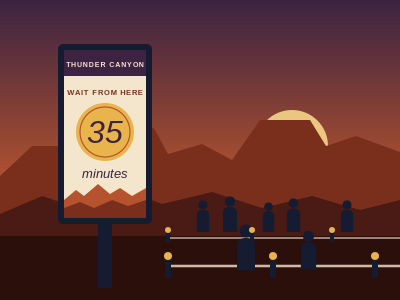
Queue entrance Portrait sign at the ride. The wait comes live from the ride system and updates on its own.
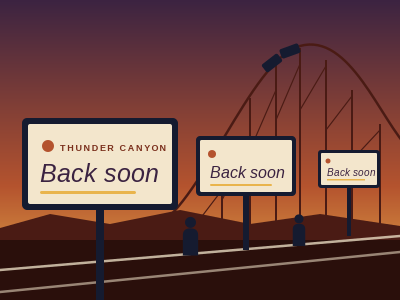
Park board Every ride at a glance. When ride control sends “ride_down”, that line says “Back soon” until it restarts.
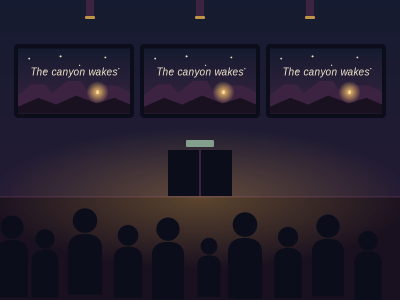
Pre-show room The doors close, show control sends a cue, and every screen in the room plays the next chapter together.
Shows and closing Show times through the day, then opening hours and the way out at closing time, on schedule.

Every minute in line is part of the show.

From the entrance sign to the loading platform, each screen in the queue line knows what is happening at the ride and shows the right thing.
A portrait sign at the Thunder Canyon queue entrance showing a 35 minute wait, beside the queue rails at dusk

At the entrance

The ride system posts its current wait. The sign at the queue entrance shows "35 min" and updates on its own.
Three screens along a queue line all showing Back soon while the coaster stands still on its lift hill

When the ride stops

Ride control sends "ride_down". Every screen along the queue switches to a friendly "back soon" message, and back to the story when the ride restarts.
A dark pre-show room where a group watches three screens playing the same frame of the story

In the pre-show room

The doors close and show control sends a cue. The screens play the pre-show together, on the same frame, then the exit doors open.
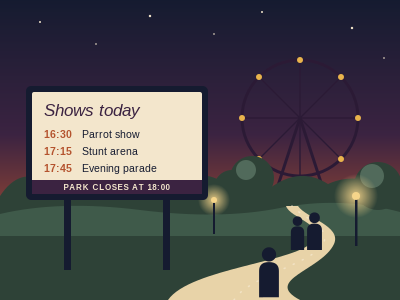
A park board listing today's show times beside a lit path at dusk, a big wheel behind

Across the park

Show times, opening hours and the way out. Boards across the park switch on the schedule you set, from water park to zoo.

The screen moves when the show moves.

Show control, a button or a sensor says what just happened. The right screens play the next part of the story.
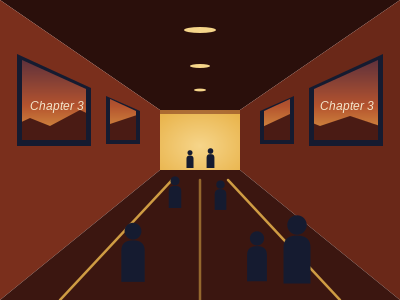
A queue corridor with screens on both walls showing the same chapter as guests walk on to the next room

In the queue line

A group of guests reaches the next room and show control sends a cue. The screens along the route play the next chapter together.
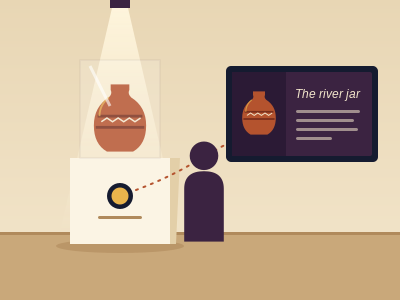
An exhibit with a jar under glass and a push button, and the screen beside it telling the jar's story

In the museum

A visitor presses the button on an exhibit. The screen beside it tells the story behind the object, then goes back to its loop.
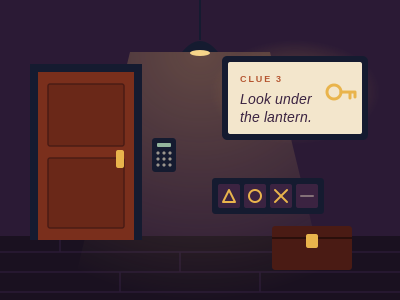
An escape room with a locked door and a symbol puzzle, and a wall screen showing the next clue

In the escape room

The players solve a puzzle and a sensor fires. The screen in the room shows the next clue.
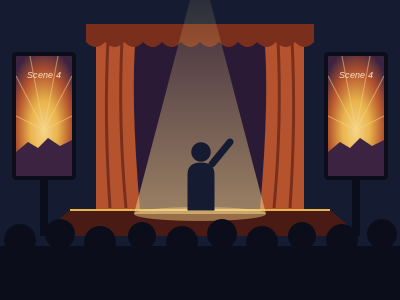
A stage with a performer in the spotlight and a screen on each side showing the same scene

At the live show

The show reaches cue 12. Every stage screen switches to the next scene on the same beat.

Any cue in, the right content out.

Pixelade does not force a command list on you. You choose the words, the player does the rest.
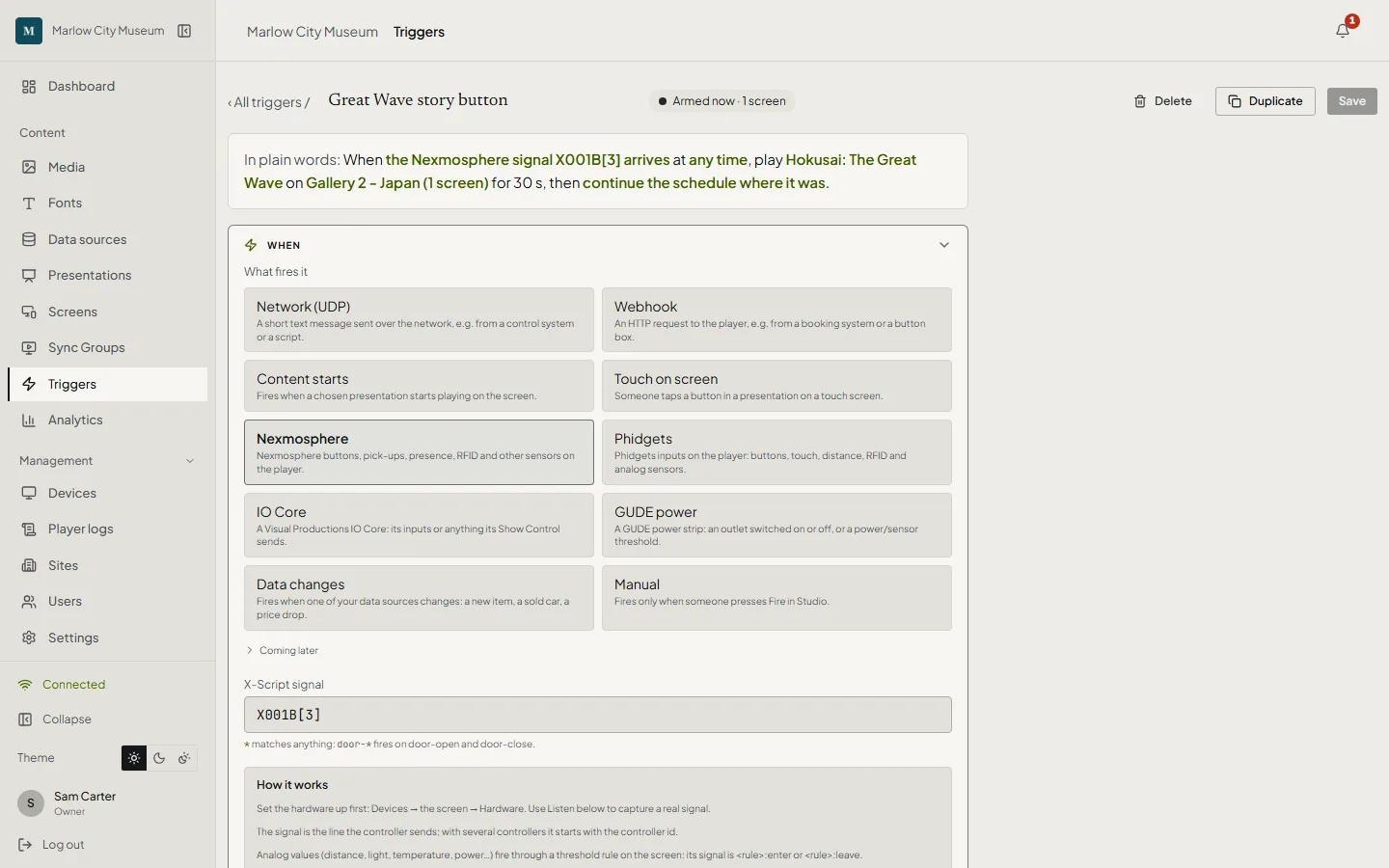
Pixelade Studio: the trigger editor, with a plain-words summary of what a cue does and the signals a screen can react to
Cues in your own words
Show control sends any text it likes over UDP, such as "Q12" or "door_open". TCP and HTTP, with authentication, are coming.
Buttons and sensors too
Push buttons, sensors and other hardware inputs become cues with a name you choose: GPIO, Nexmosphere and IO boxes.
Reacts on the spot
The player matches the cue itself and plays from its own copy of the content. There is no round trip to the cloud.
Works offline
If the internet drops, cues still land and the screens still respond. Only the local network is needed.

Plan a screen like a storyboard.

Boxes are what is on screen. Arrows are what moves the story on.

  1. Start

    1Loop

    The screen plays its attract loop while it waits.

  2. Step 2: Cue

    Show control sends a cue as a group arrives.

  3. 3Scene

    The screen plays the scene for that moment.

  4. Step 4: Touch

    A guest taps something on the screen.

  5. 5Detail

    The screen shows more about it.

  6. Step 6: Timeout

    Nobody touches it for a while.

  7. 7Back to Loop

    The screen returns to its loop, ready for the next group.

Two views of the same story

Inputs is for venue staff: one card per button or cue, saying what it does in plain words. Flow is for integrators: the whole story on one canvas, as boxes and arrows.

Built to stay in step.

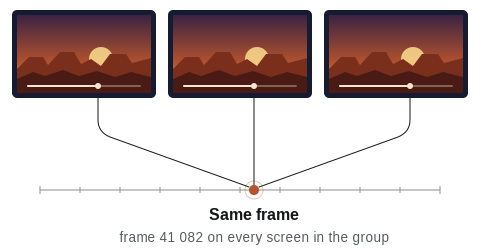
Three screens in a row showing the same frame, their playheads meeting on one point of the timeline
Sync groups
Every screen in a sync group switches on the same frame. A cue that reaches one screen moves the whole group.
Repeated cues
Show control can send a cue more than once to be safe. The group acts on it once.
Rejoining
A screen that reboots in the middle of a story rejoins its group at the current step.
Feedback
Players send messages you write back to show control, over UDP or through relays, LEDs and DMX/sACN, so it always knows what is on screen.
Timeline cues
A presentation’s timeline fires commands at set moments over UDP, OSC, HTTP, sACN or Art-Net.
Live log
Studio shows every cue a screen received and every message it sent. Built for commissioning.
Cue transports
UDP today. TCP and HTTP, with authentication, are coming.

Tell us about your show.

hello@pixelade.io

An attraction, a gallery, a puzzle room or a stage. Tell us what your show control sends and what the screens should do, and we will get back to you.